Docker Guacamole
Docker Guacamole, a docker package for setting up access to your server via browser. A friend of mine,Zach Robinson told me about this package which I thought sounded interesting so I wanted to try it myself. I set up
a VNC server on a Linux Mint OS and port forwarded on my router so I could set up a domain name to connect
to this server. I shut it off after I completed it, but while it was going I was able to go into a browser on any
pc, type in my url, and with my login I could access my server. I thought this was cool due to it being accessible
through merely a browser. This could be for more than one too. You could set up multiple connections to
different servers in the same package session. Before further explaining this I think I should explain what a
VNC server is.
A virtual network computing (VNC) server is a computer sharing system. This includes sharing of
graphics and other resources, which is really Similar to Remote Desktop Protocol (RDP). But RDP is a
virtual session, whereas VNC is an actual physical display. For example, I could move my mouse around,
type, click applications through the connection, and I would be able to see all of this on the pc itself. I chose
to engage with VNC due to the fact that I had never used it before and wanted to have some experience setting
it up. This was put on a Linux Mint OS because I liked the GUI display and figured it would be a good one to
use. The first step of the docker package was just setting up the vnc server on the PC. To do this, I installed the
required packages and did some extra steps that can be viewed here.
After that part was done I had to actually put docker on the Linux system. Which I followed the steps
found at this site. The following step was to use the docker pull command for the right package. The one I
chose and was recommended by a friend of mine is the "onzu/docker Guacamole" package. I used the pull
command "sudo docker pull oznu/guacamole" After the pull command was done executing, I began to start
the guacamole session. To do this I would run a few lines of commands similar to this.
~$ sudo docker run -p 80:8080 -v :/config oznu/guacamole
The right port listed is the port being occupied by the docker host while the left port is the number I
specified to be hosted on the pc. After the package was running and being hosted on that specified port I could
access it through just the pc´s ip address. I would enter it into the browser on another PC while on my network
and see a login page.
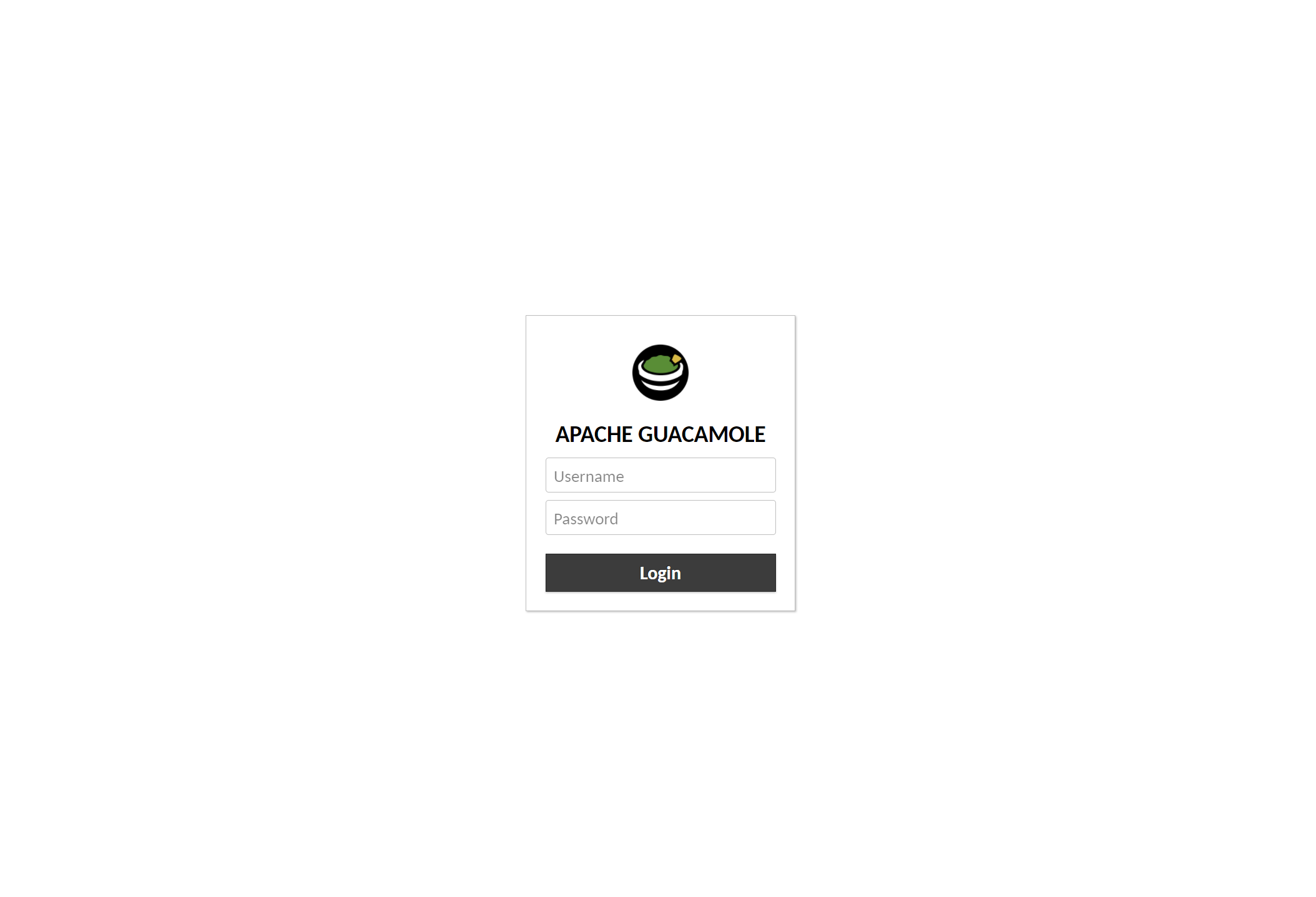
This page had an automatic username and password as default with both being “guacadmin". This could
easily be changed once logged into the site. I created a new account for a custom username and password so i could
delete the default login. Once that was done the next step was to set up the connection between this docker package
and the VNC server I made earlier.
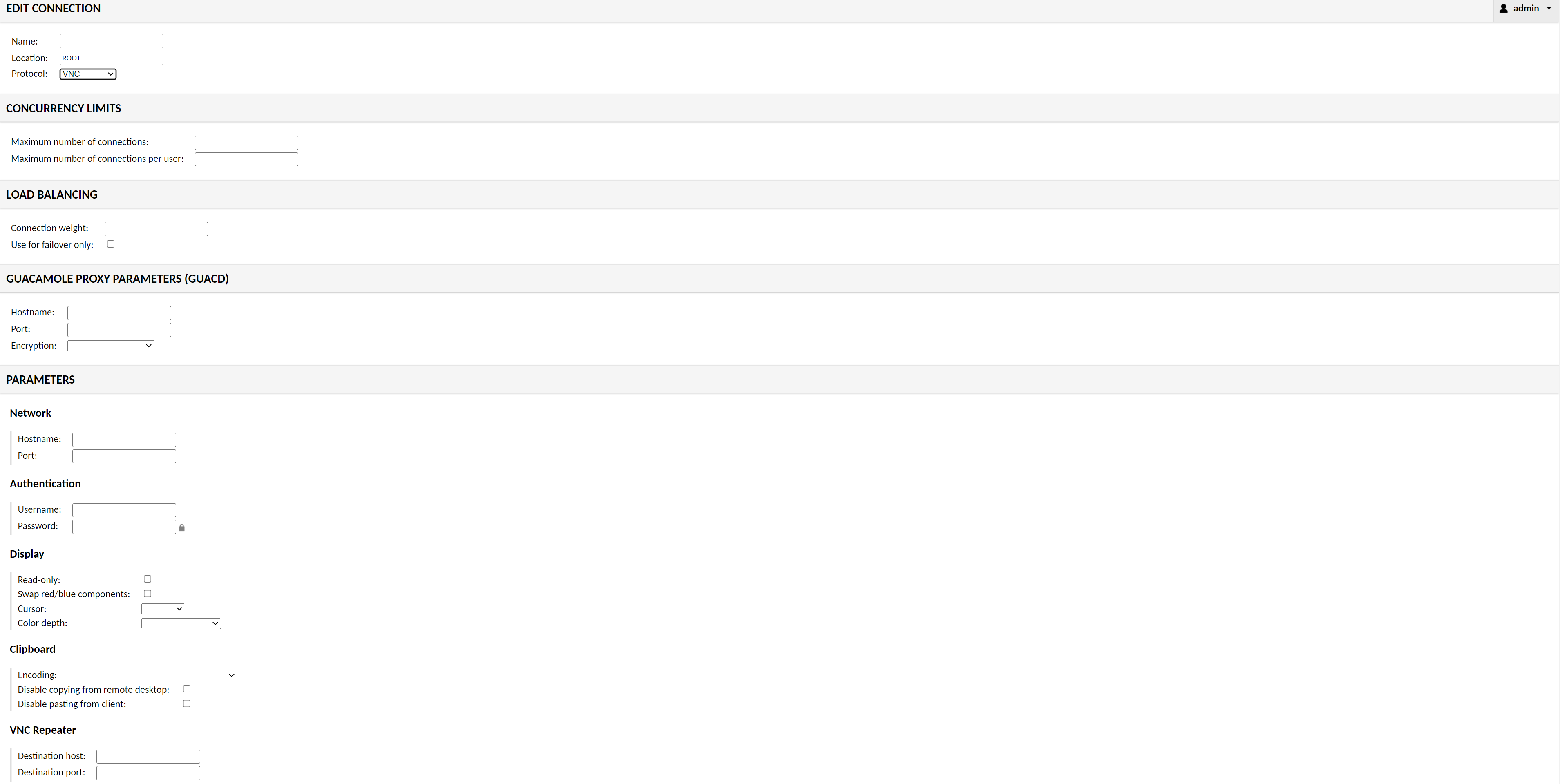
There was a connections tab which contained the parameters for you to enter different types of connections,
not just VNC. The option also included SSH, RDP, Telnet and Kubernetes. I entered the hostname of the PC and the
credentials of the VNC server that I had set earlier (Username and Password). There are more options you can fill
out like load balancing or number of connections but leaving them blank sets it to the default which worked perfectly
fine for me. Once that was done I tested it by going back to the home tab and clicking the name of the new
connection I configured. Just like that I started seeing my home screen within my firefox browser. I tested this on
other devices in my home network where I would just type my ip address and it would bring me to the login page
like normal. I didn’t have to specify due to the port I hosted on was 80 which is the default HTTP number.
So far the plan was just to reach this point to make sure I can at least locally connect. I decided I wanted
to take this project of mine to the next step and make it accessible from outside my home network. To do this I just
had to port forward my PC’s LAN ip address to port 80 so when entering my public ip address it would automatically
bring me to my guacamole login page. I decided to even try it from my phone and without even being connected
to my home network, I could still login.
This was a fun project for me because you can even hook it up to a domain name if you wanted and have
access to your linux system with just a browser. Learning about running docker sessions and running other programs
with it was a lot of fun, and I definitely plan on doing other projects with similar aspects. This was also my first
Docker project but definitely not my last.